🐱 Cat Treats Timer
Giving your cat a treat is very satisfying but :
- You must ensure its good health and not give it too many per day
- You must ensure a good communication between family members so a treat is not given every time a family member wakes-up
This sounds like a good starting point for a fun and unnecessarily complicated gadget.
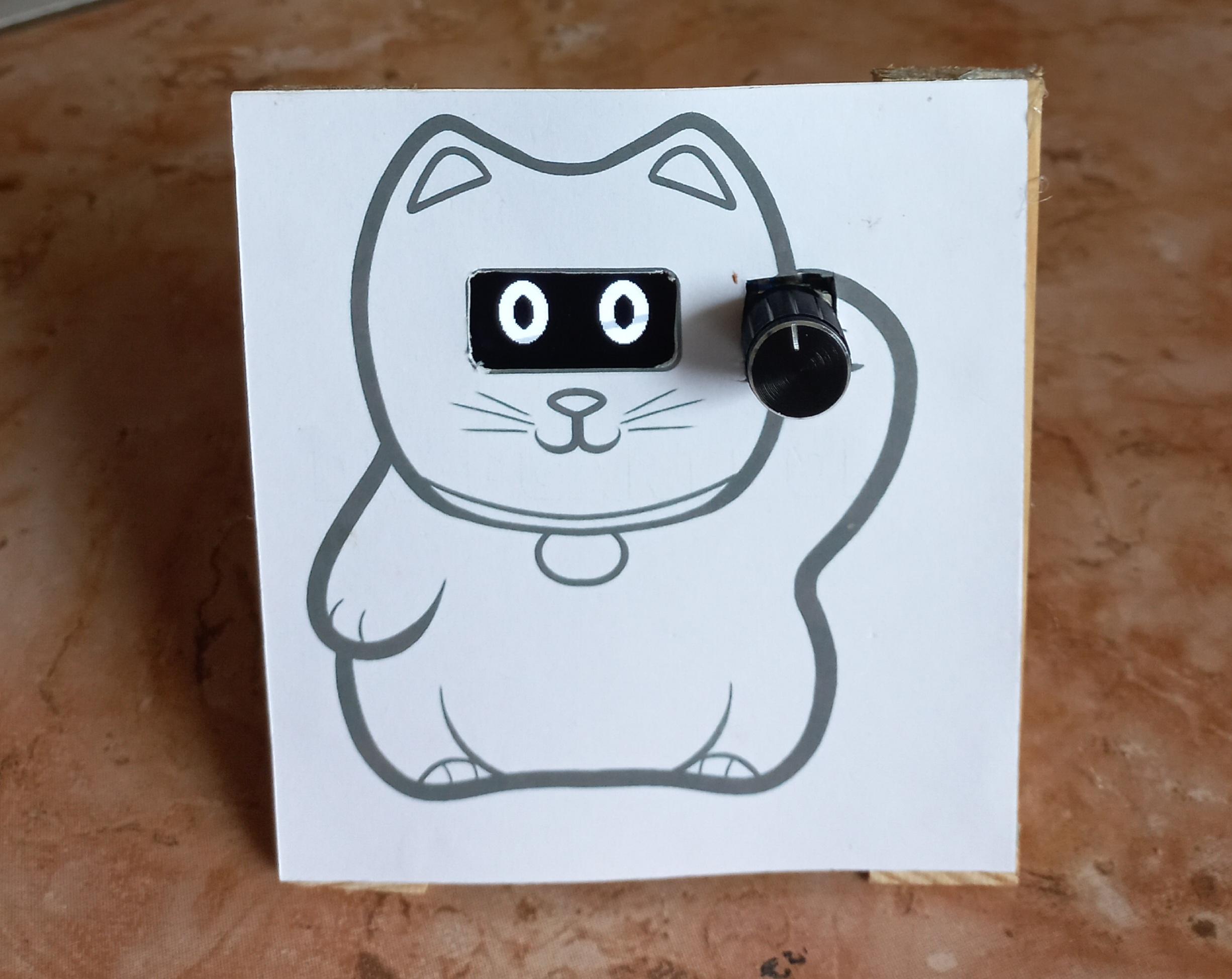
The purpose of this device is to instantly know if the cat can be fed a treat, or not. It consists of a Maneki-neko print in which I cut out the eyes and raised paw to fit an OLED screen and a knob.
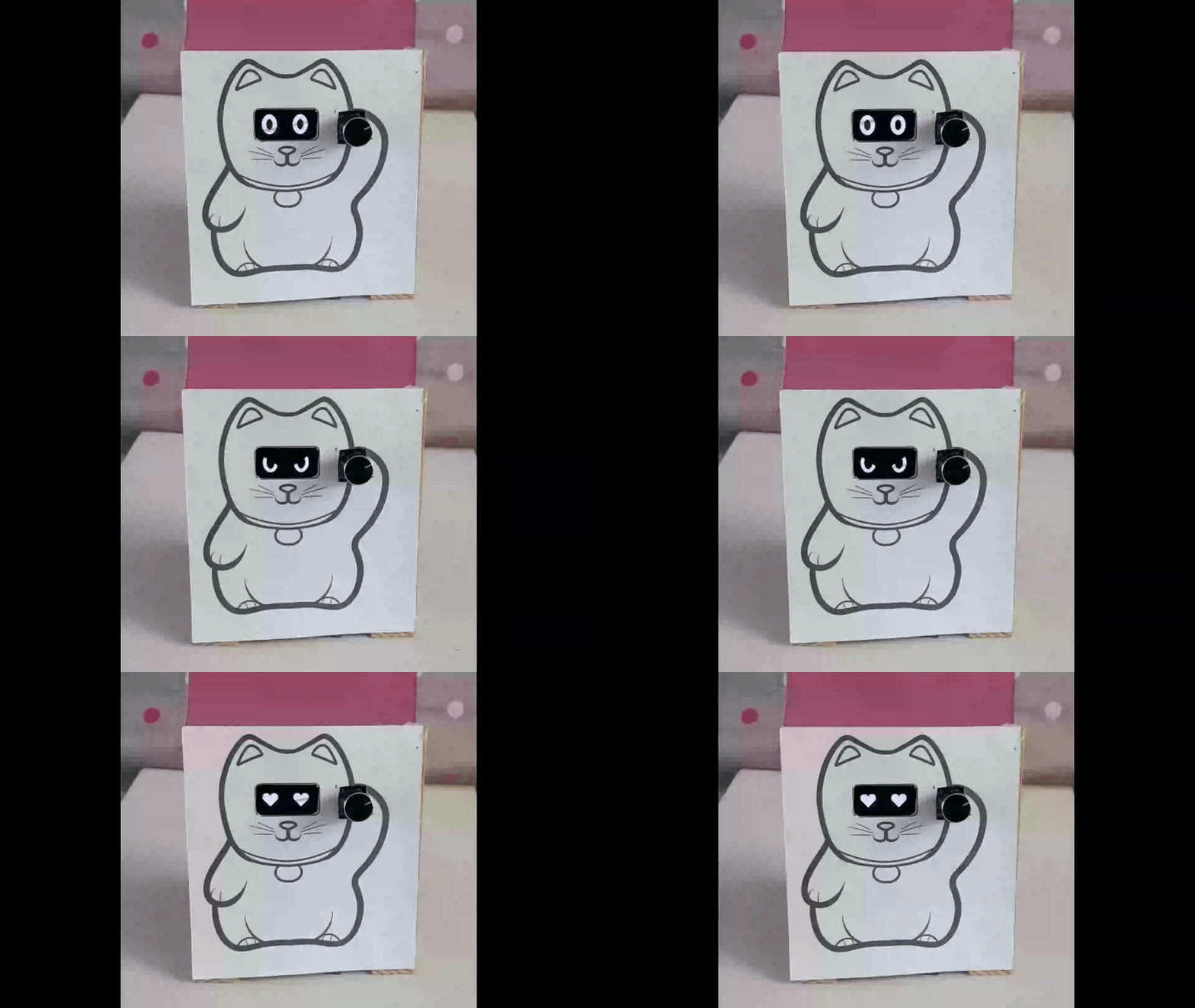
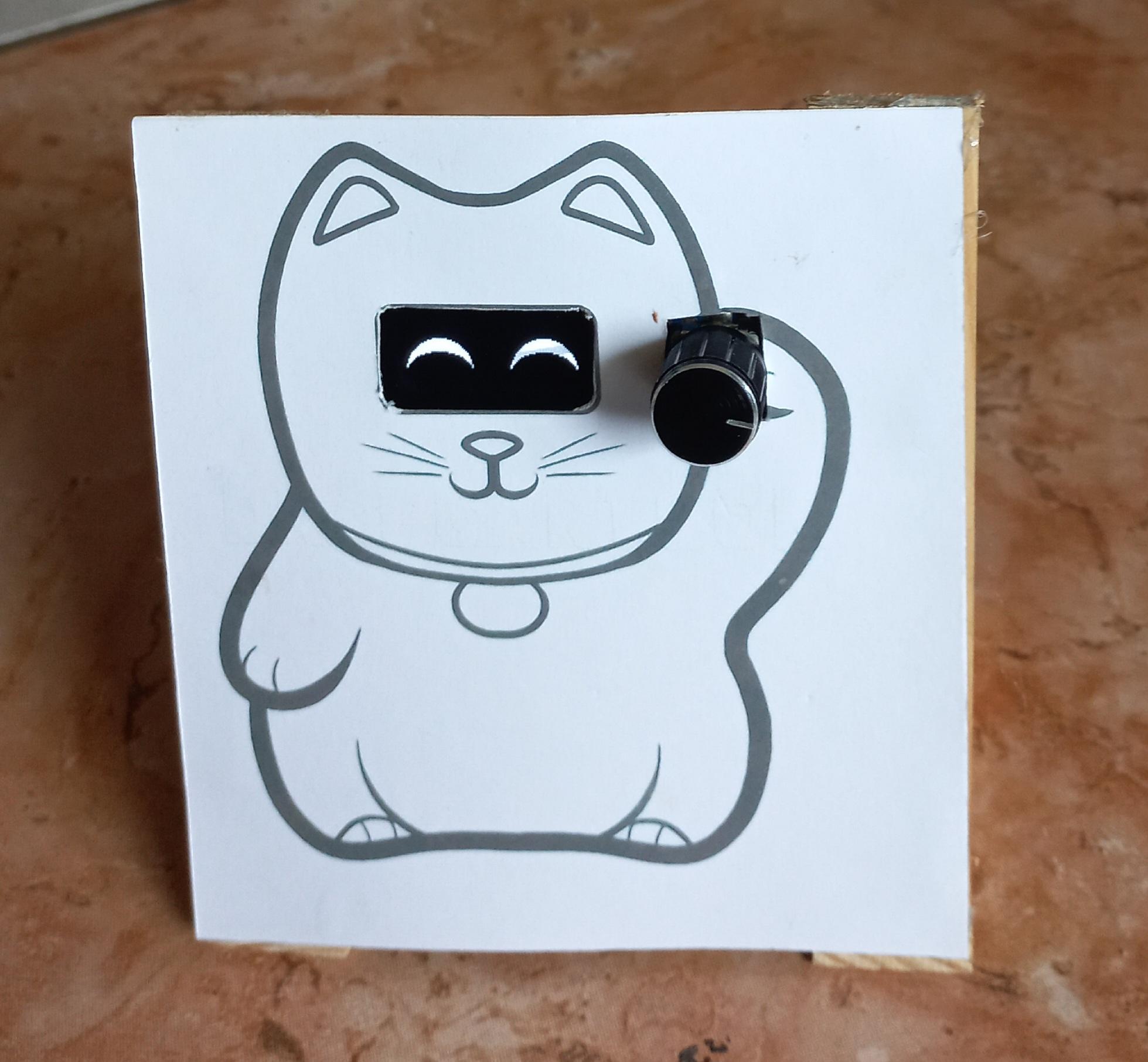
If the Maneki-neko looks angry, time has come to give the cat a treat. Then, don't forget to push the knob to reset the timer. You will then see the Maneki-neko loving you for a short time and then become normal.
Supplies

Electronic parts:
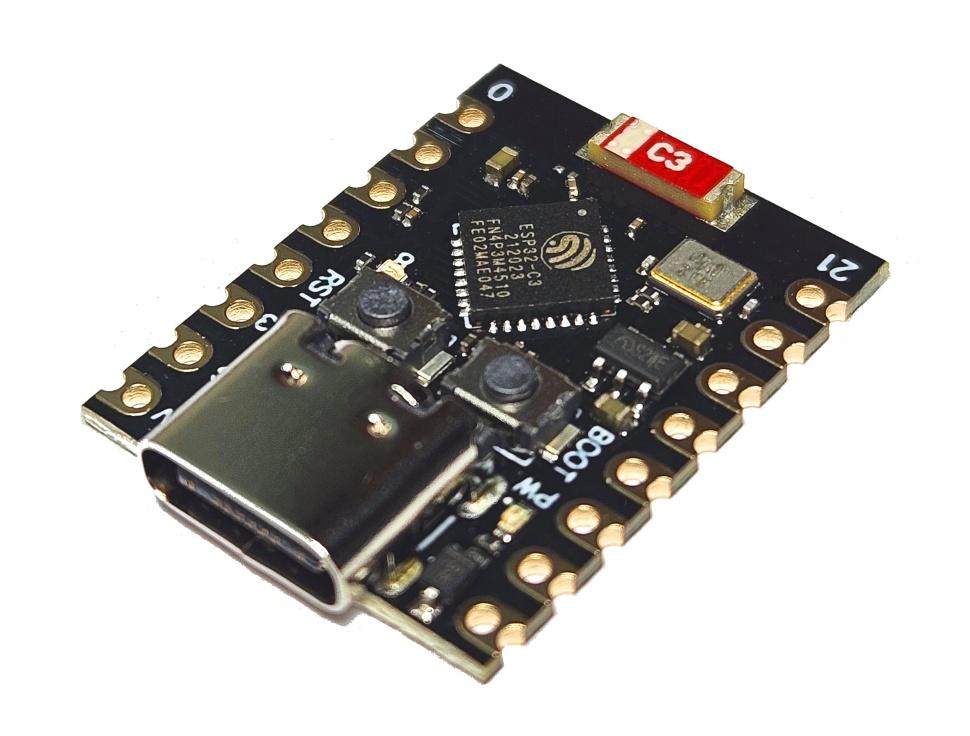
- ESP32-C3 supermini x1
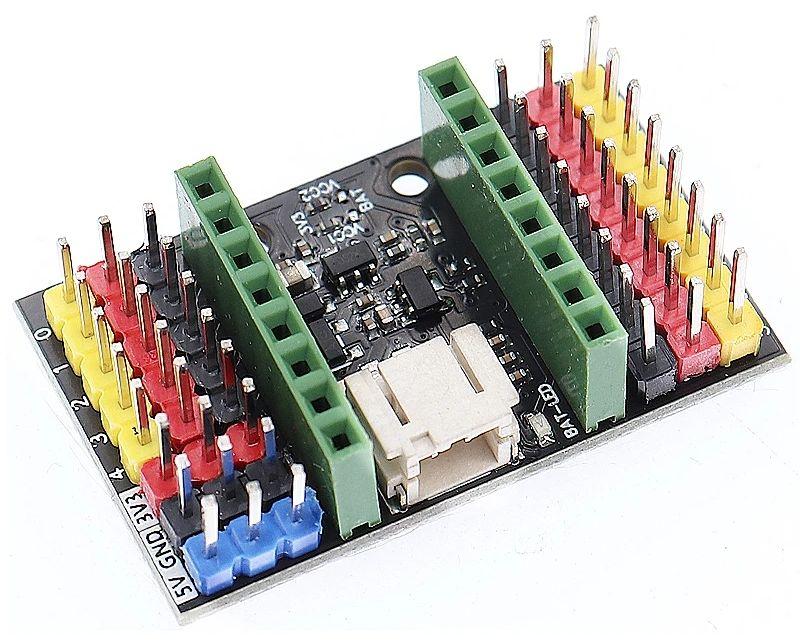
- (optional) ESP32-C3 supermini Expansion board x1
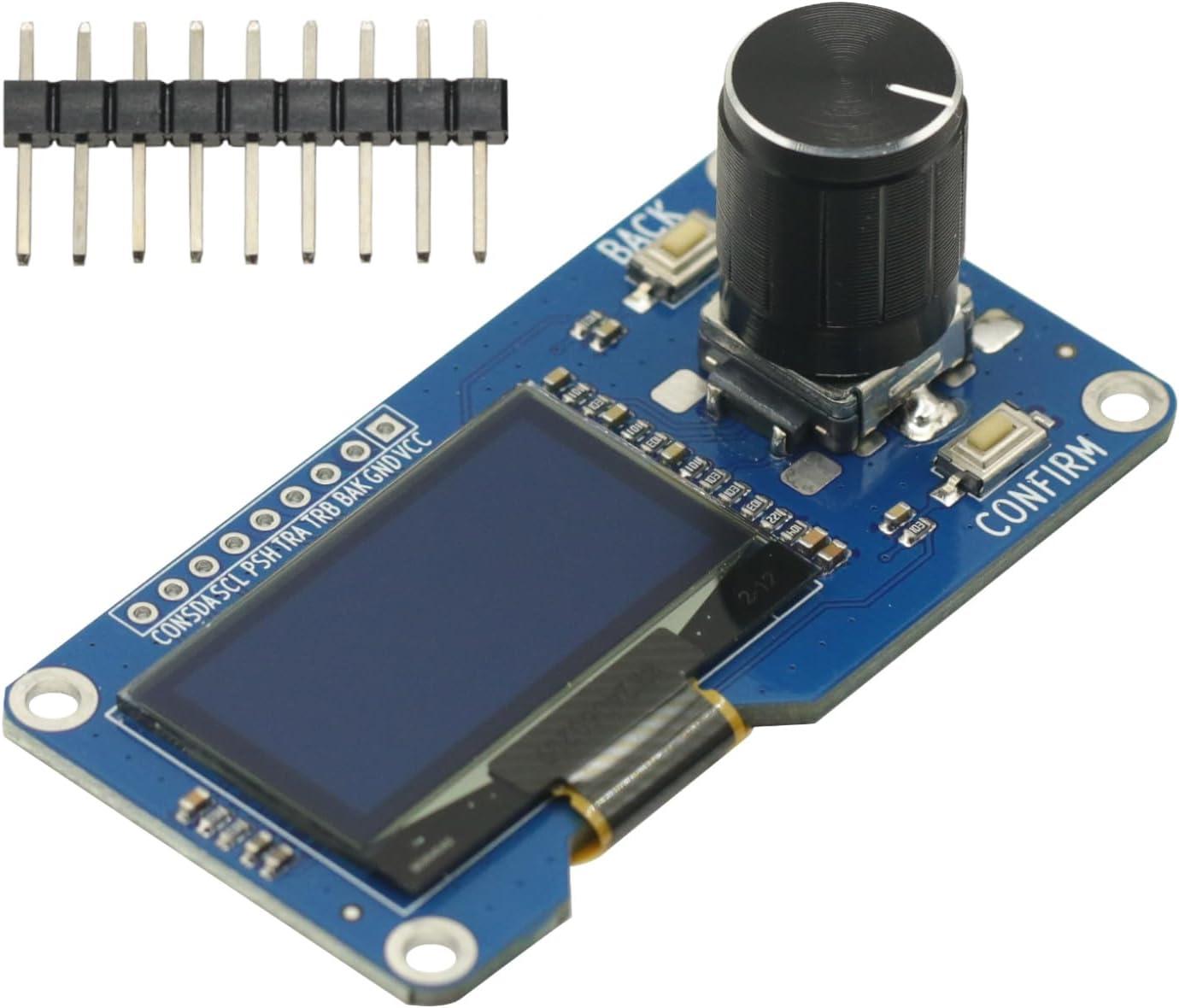
- 1.3 inch OLED I2C display screen combined with EC11 rotary encoder
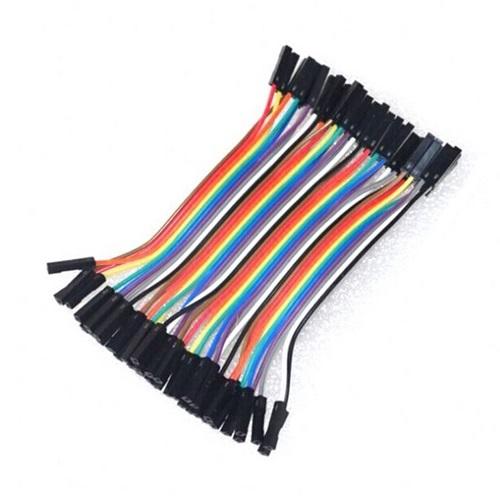
- Dupont cables 10cm (fem-fem) x7
- USB-C cable (power + data) x1
- Phone charger x1
Miscellaneous:
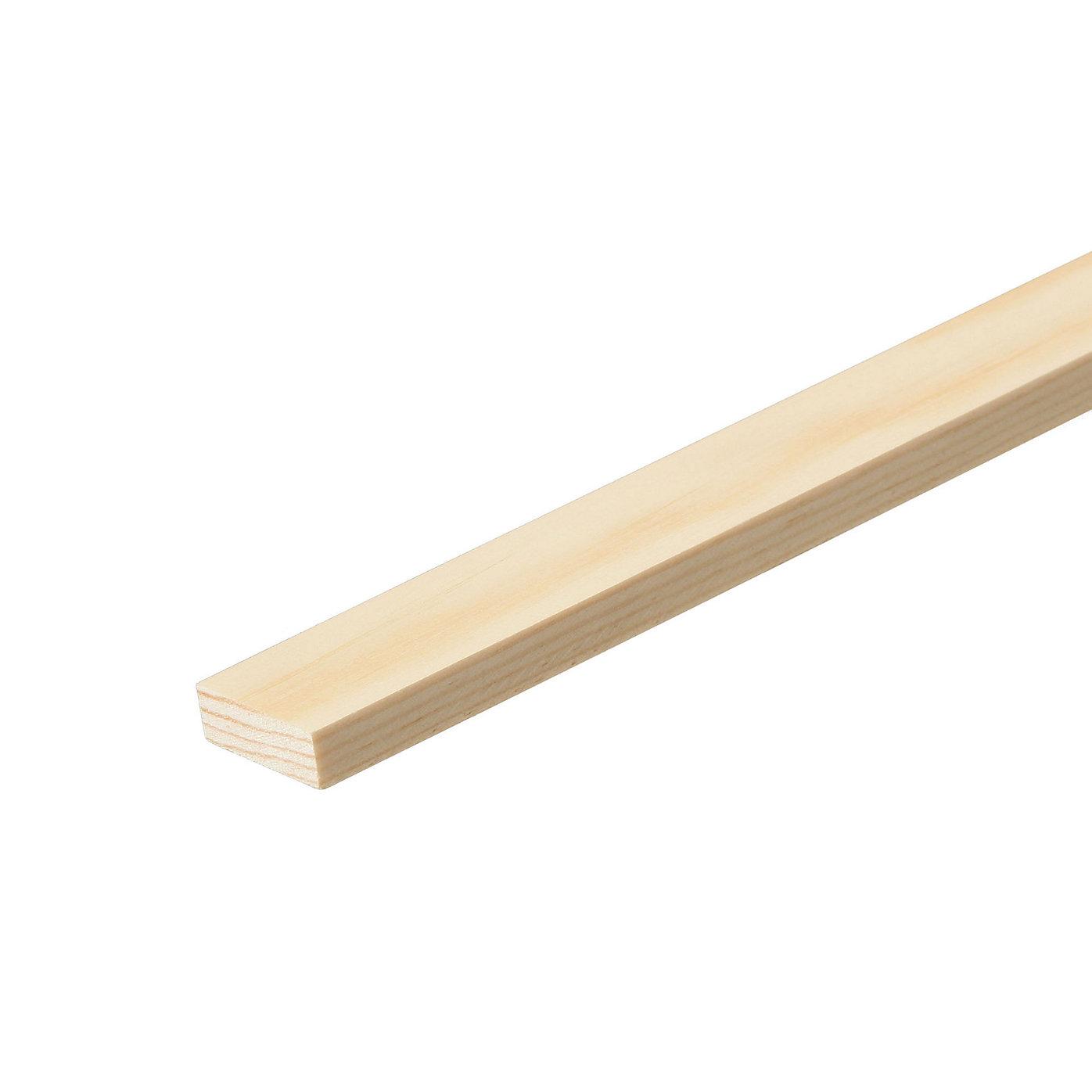
- Wood batten (approx 20x10mm) length : more than 45cm
- Small wood screw x2
- Sheet of thin cardboard x1
- Hot glue
- Paper glue
- (optional) wood glue
- Transparent tape
Tools :
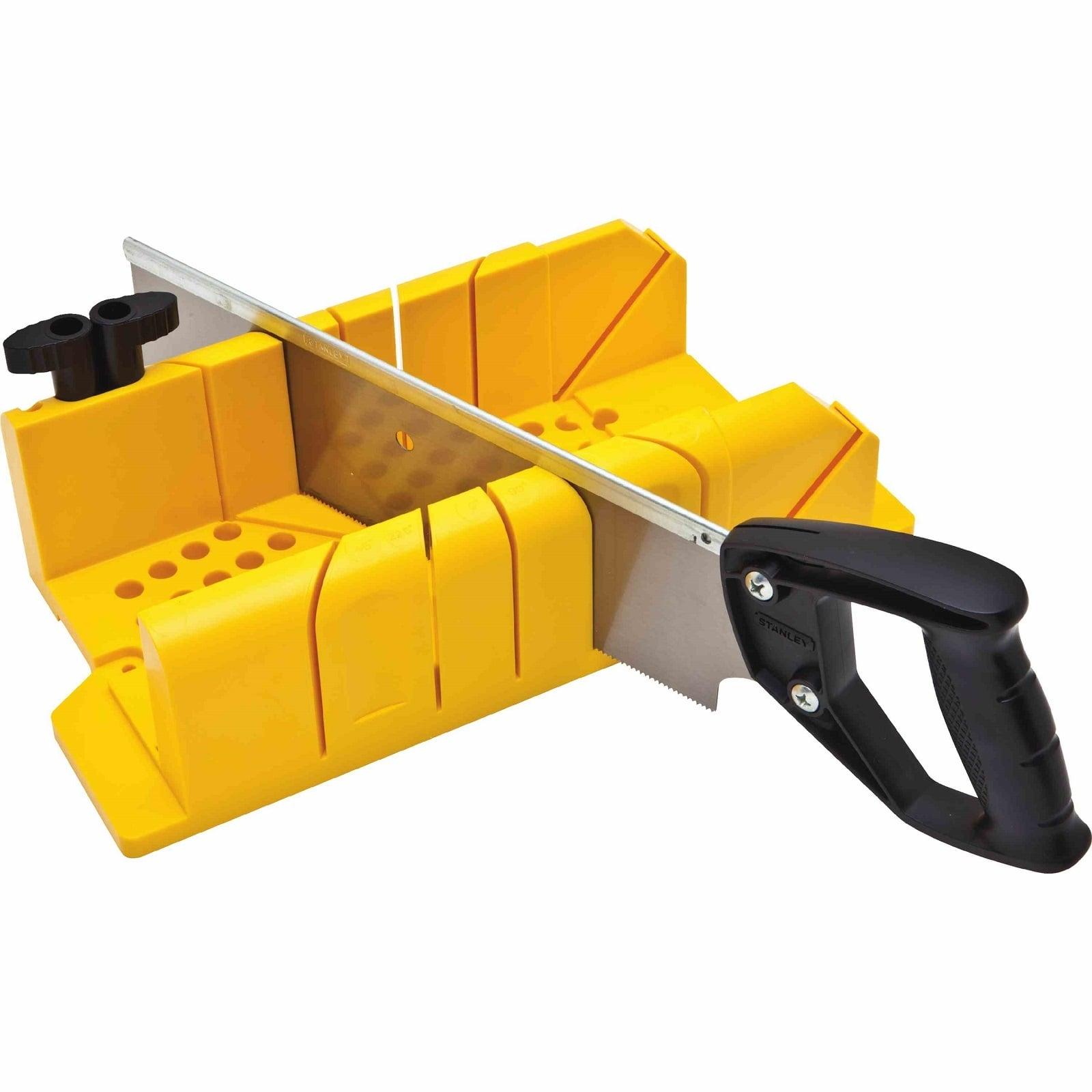
- Mitre box + saw
- Hot glue gun
- Small size conical cutter for making chamfered hole
Cutting Wood
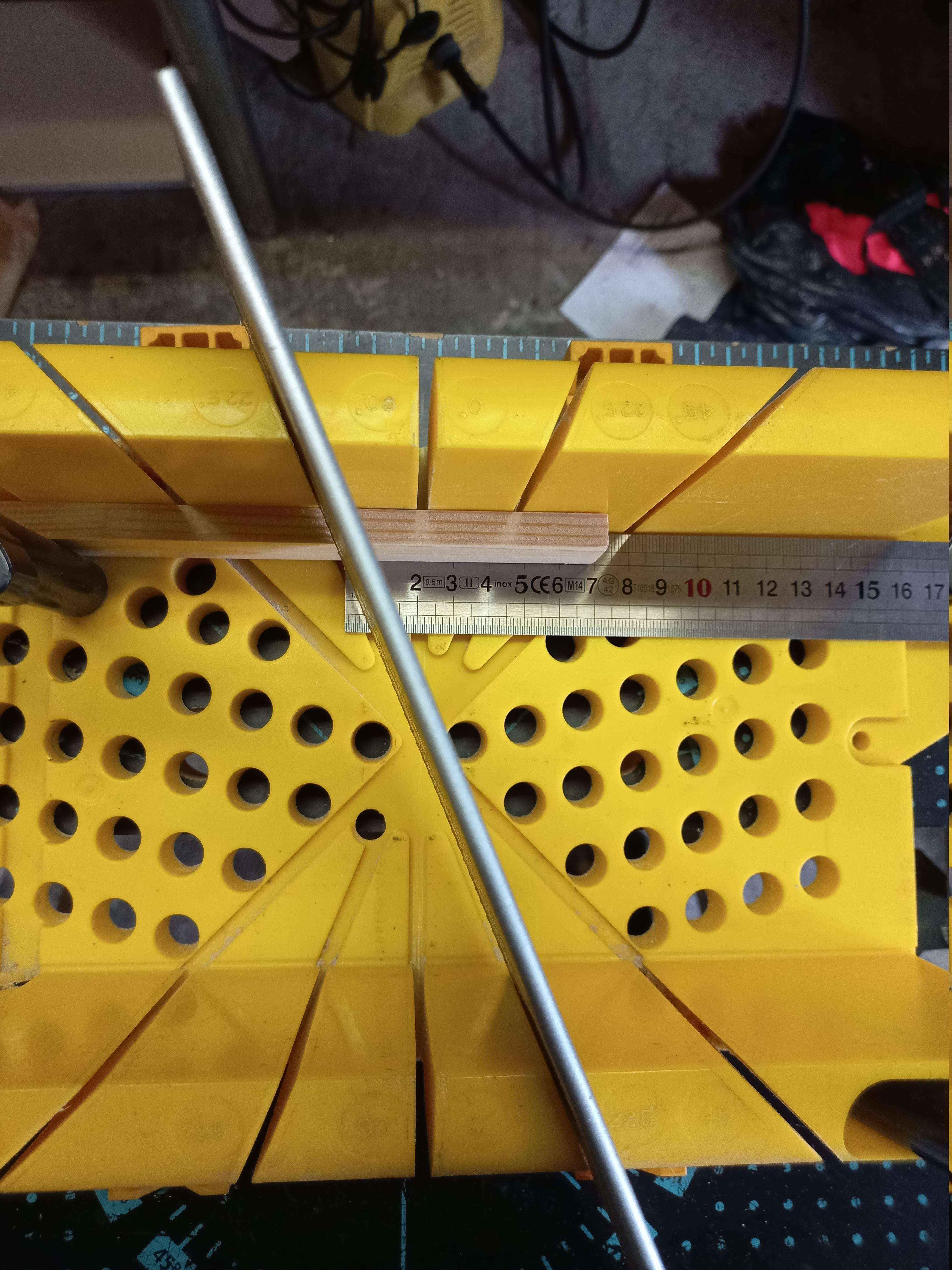
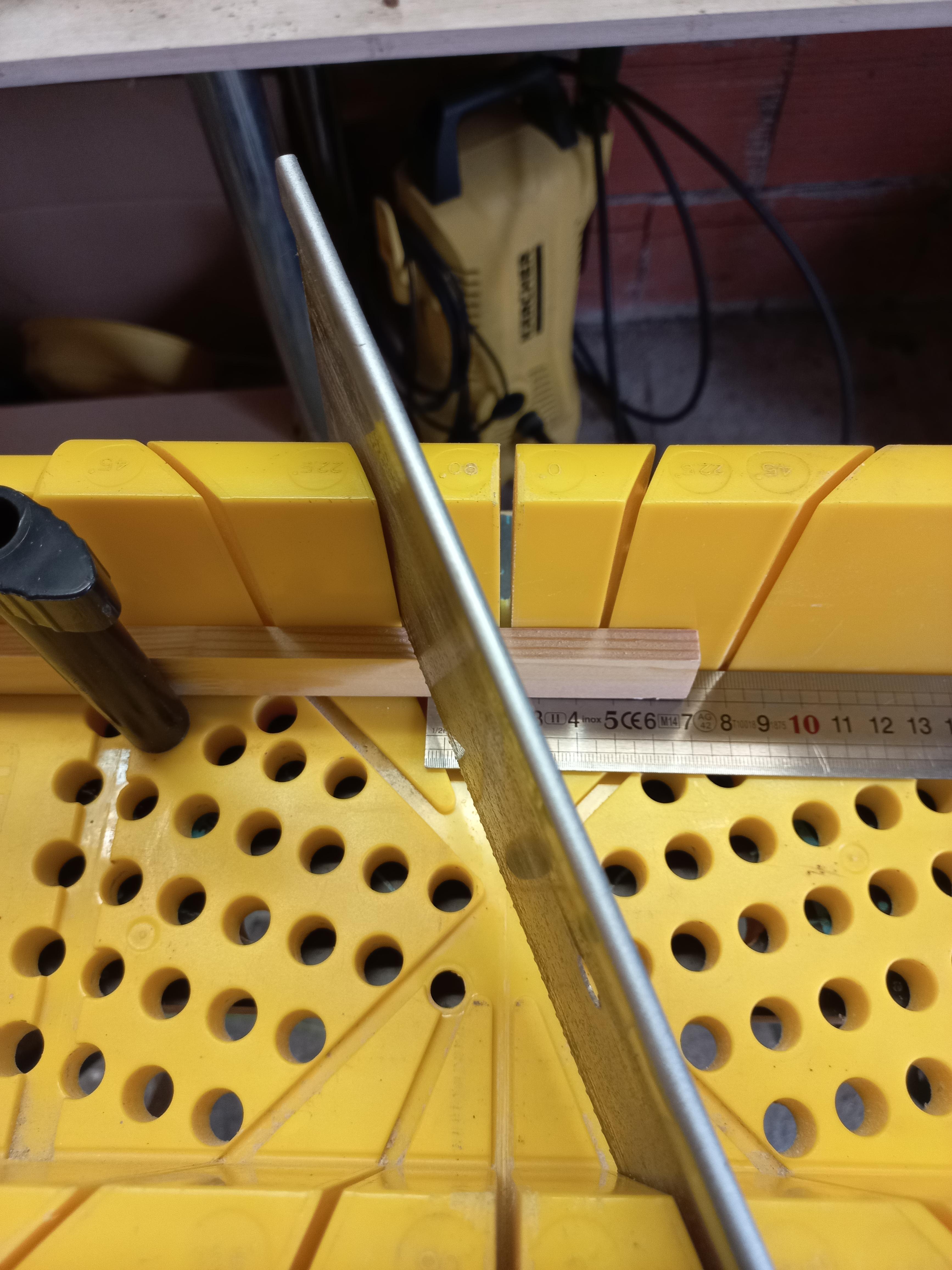
Use the mitre box to cut 3 pieces in your batten :
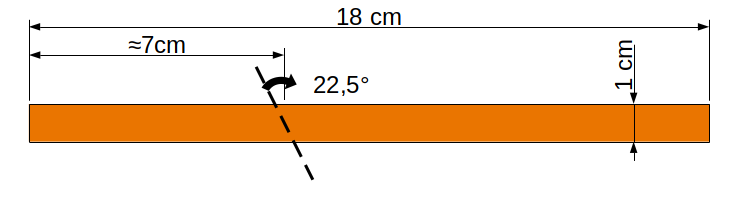
- 2 pieces 18cm length : they will be the two legs
- 1 piece of your OLED module length + 1mm (6,6cm for me) : it will be the display support
Still with the mitre box, cut roughly a 7cm long at 22.5° in each of the 18cm pieces
Assembling Stand
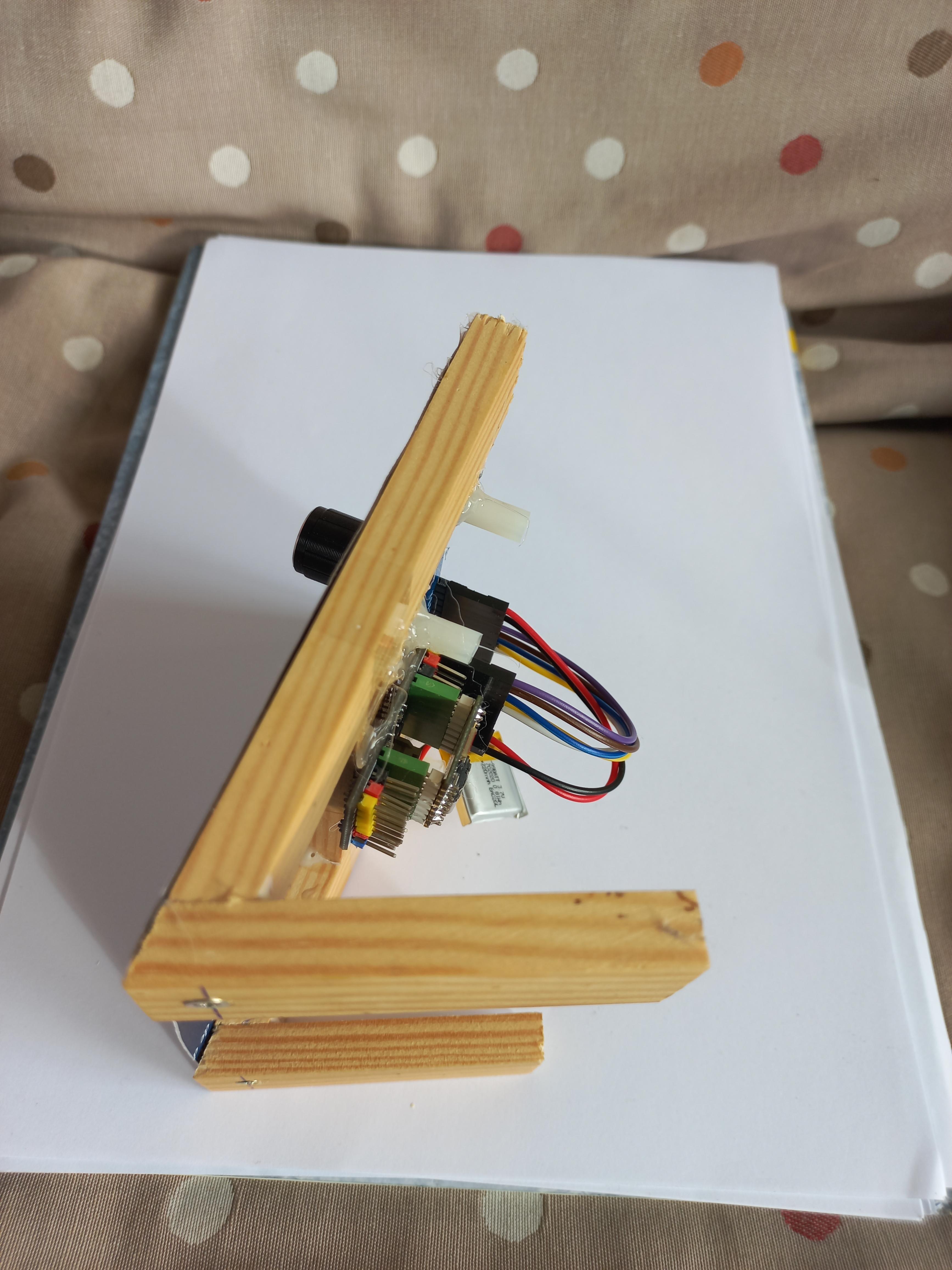
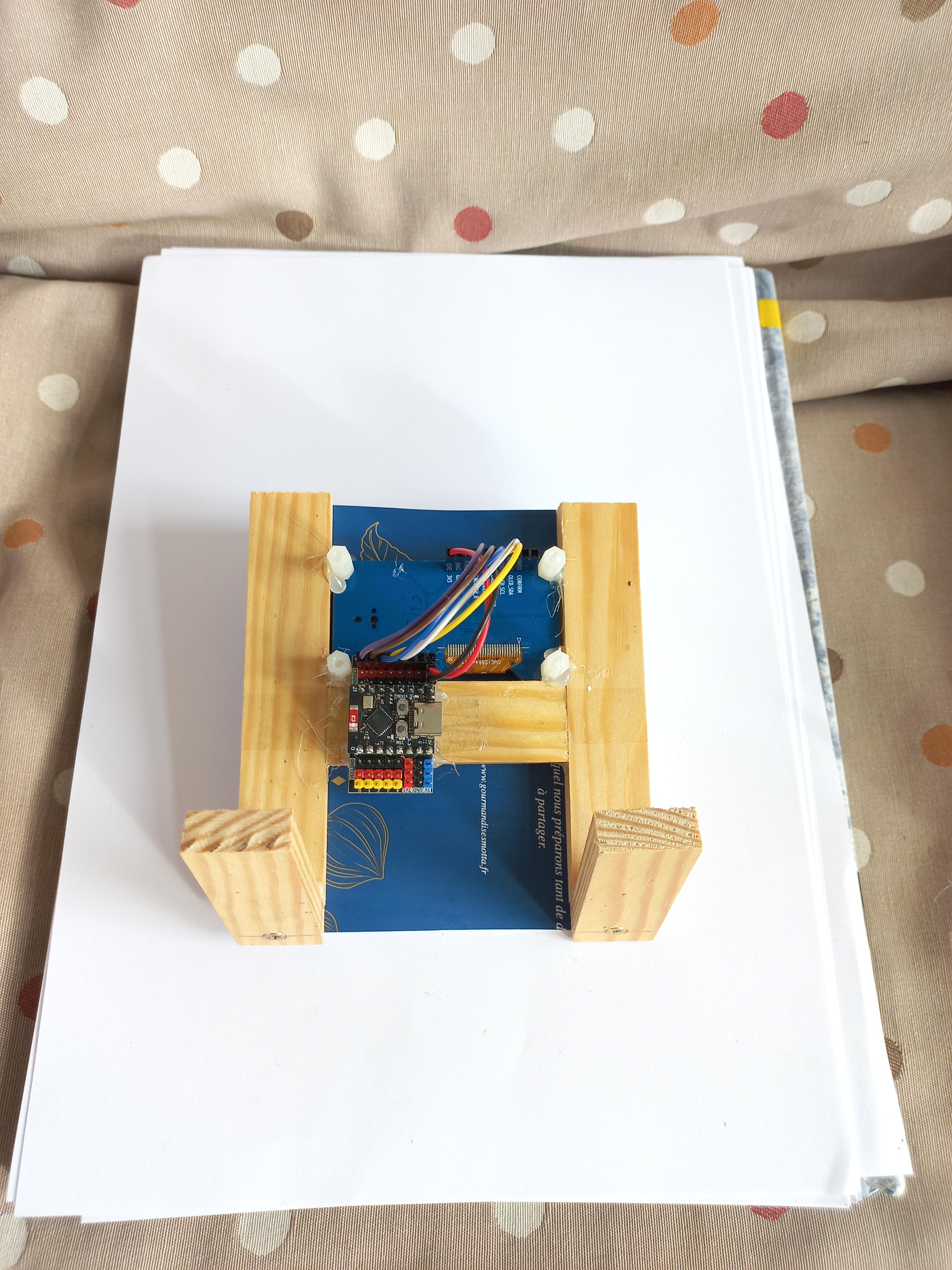
The mounting operations are quite simple :
- Print the Maneki-neko on white paper and glue it to the thin cardboard sheet.
- Assemble the two legs with a screw at the bottom of each. Chamfered holes are required and maybe pre drilling depending on the wood (you can also glue the two pieces with appropriate wood glue and wait it sets)
- On the Maneki-neko print+thin cardboard, cut out the eyes and raised paw to fit the OLED screen + knob.
- Carefully fix the display support with transparent tape between the two legs
- Hot glue the OLED display on the frame
- Hot glue the Maneki-neko on the frame
- Cut off the thin cardboard that sticks out the frame
Downloads
Wiring OLED Display
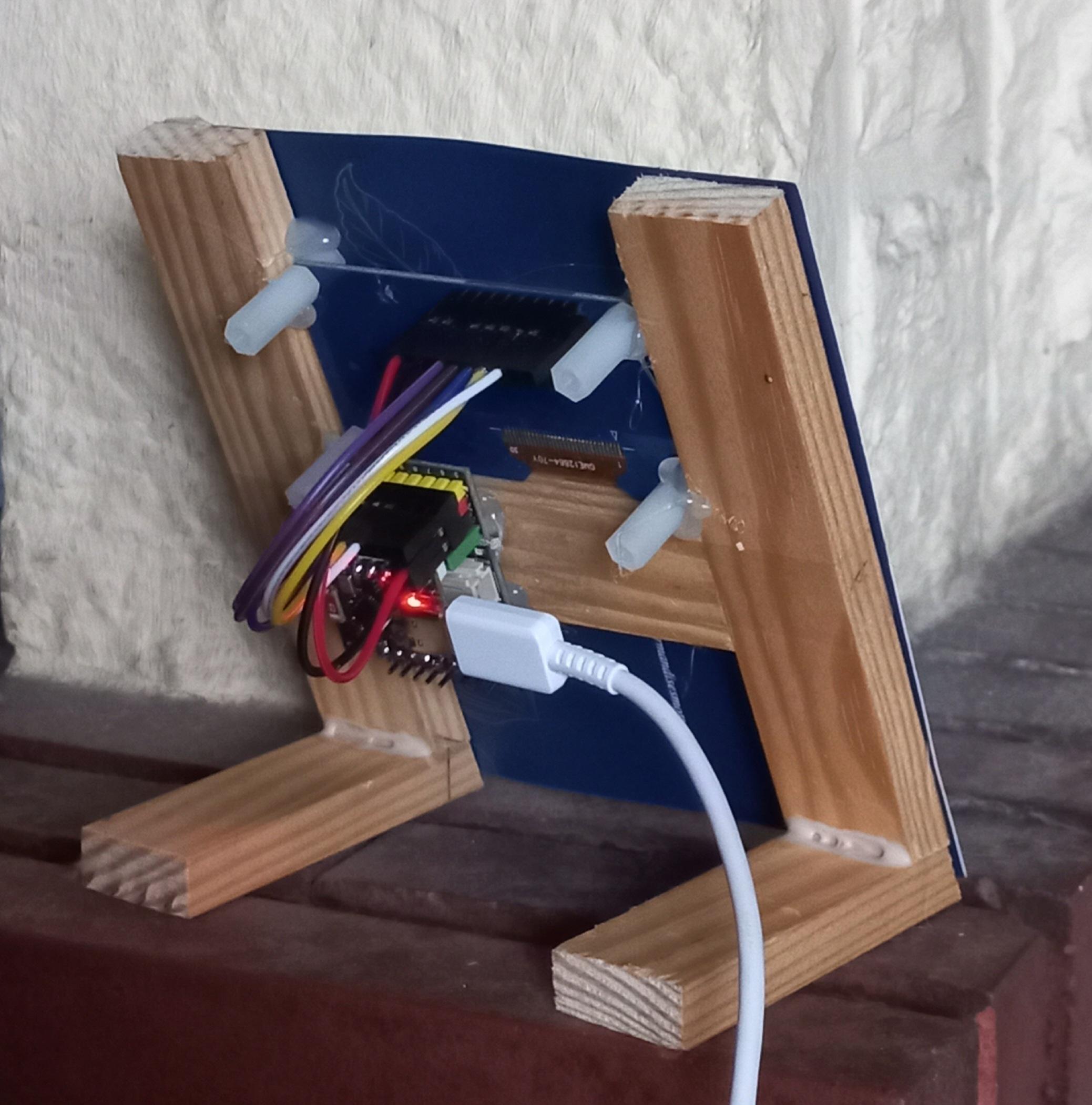
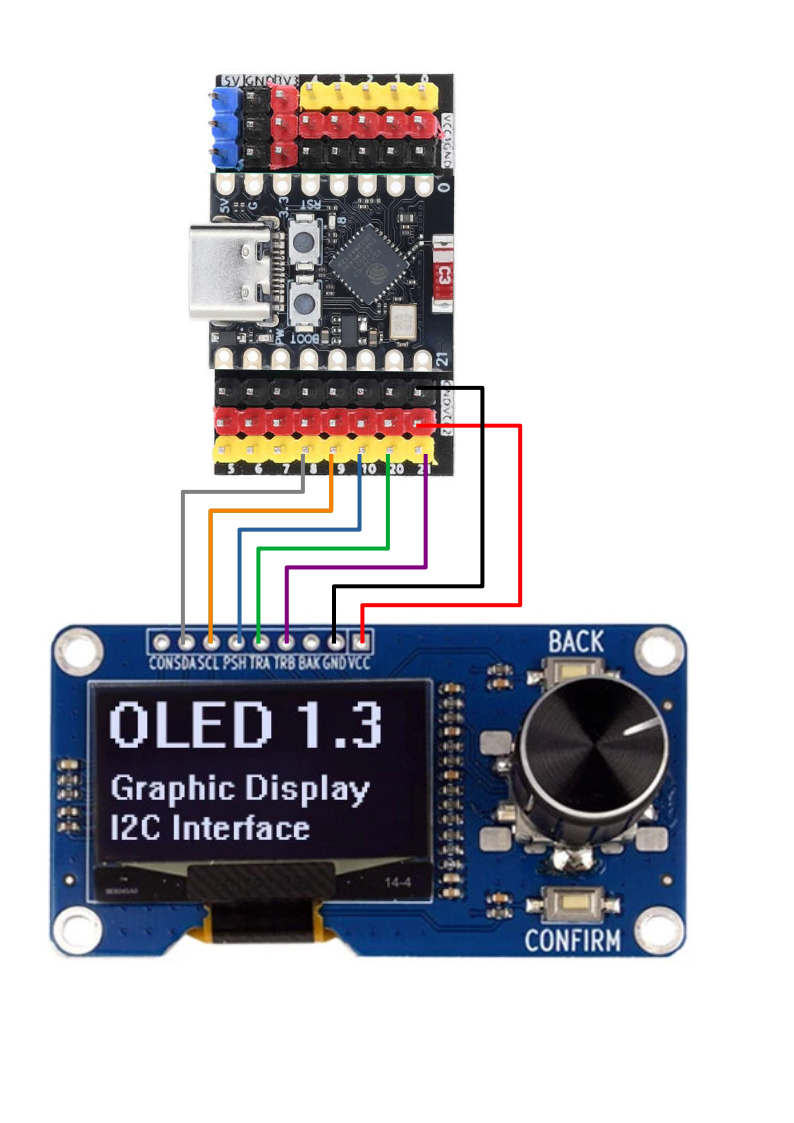
There is no need for a real schematic for this, simply connect 7 Dupont cables according to the wiring matrix below:
OLED -------- ESP-C3
VCC ---------- VCC
GND ---------- GND
BAK
TRB ---------- 21
TRA ---------- 20
PSH ---------- 10
SCL ---------- 9
SDA ---------- 8
CON
ThingSpeak
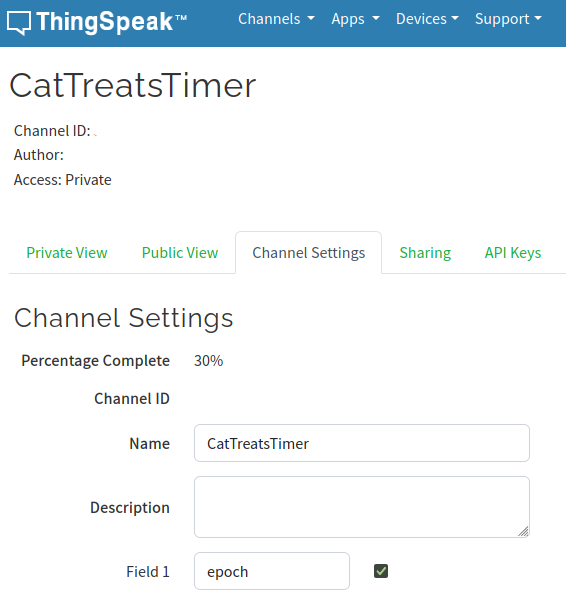
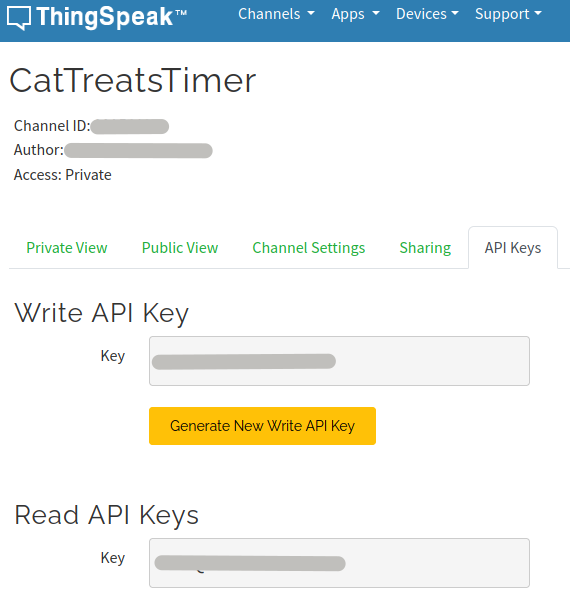
I use ThingSpeak in this project to track the last time the cat was fed. One other solution would have been to use the ESP32's internal strorage. By using the cloud, I minimize aging of the ESP32's flash memory and I can also easily track every treats given.
You will need to :
- Create a ThingSpeak acount
- Create a channel (name doesn't matter)
- Create the field1 in the channel (again, name doesn't matter)
- Note the "Channel ID", the "Write API Key" and the "Read API Keys" of the newly created channel
Each time you will press the button of the device, EPOCH will be sent to the field1 in the configured channel. At boot, the ESP32 will fetch the last EPOCH saved in the channel.
Programming Controler
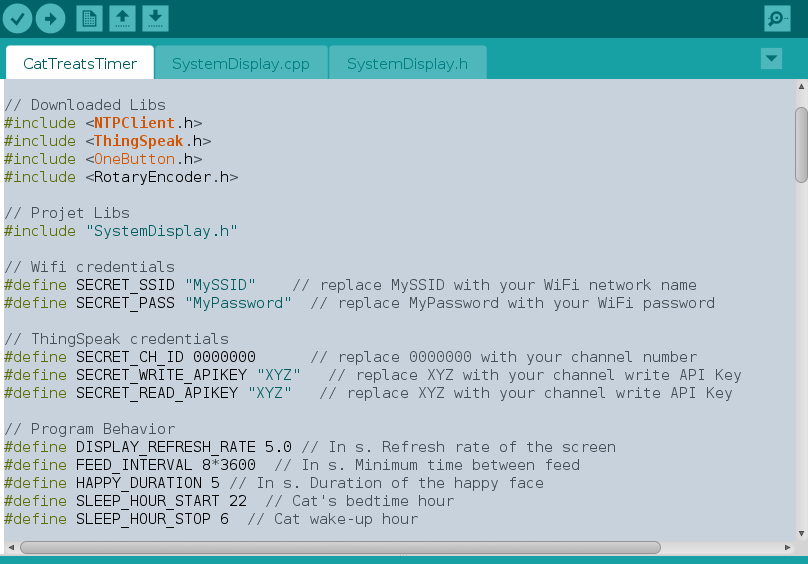
Before uploading the firmware into the ESP32, you will need to :
- Install ESP32 core
- Download external lib
- Change SECRET constants in code
Install ESP32 core
After the installation procedure, you'll have to configure your board setup in the Arduino IDE. For the ESP32-C3 supermini, I use all default configuration of the "ESP32C3 Dev Module".
Download external lib
Use the Arduino IDE's library manager to install :
- arduino-libraries/NTPClient for obtaining time from Internet
- olikraus/u8g2 for OLED display management
- mathworks/thingspeak-arduino for connecting to ThingSpeak cloud
- mathertel/OneButton for button debounce management
- mathertel/RotaryEncoder for rotary encoder management
Change SECRET constants in code
- Change SECRET_SSID const to your Wifi SSID
- Change SECRET_PASS const to your Wifi password
- Change SECRET_CH_ID const to your ThingSpeak channel Channel ID
- Change SECRET_WRITE_APIKEY const to your ThingSpeak channel Write API Key
- Change SECRET_READ_APIKEY const to your ThingSpeak channel Read API Keys
Done !
Enjoy your new gadjet !
- Push the knob to feed the Maneki-neko (and do give a snack to your real cat !)
- Its eyes will show love to the owner for 5s
- After 8 hours (software configurable) the cat will look angry
- And so on...
Last thing, try to pat the Maneki-neko (turn the knob with one finger) !